
Local SEO Strategy: How to Rank Your Business on Google Maps (complete Guide)
Introduction: Why Google Maps Matters More Than Ever
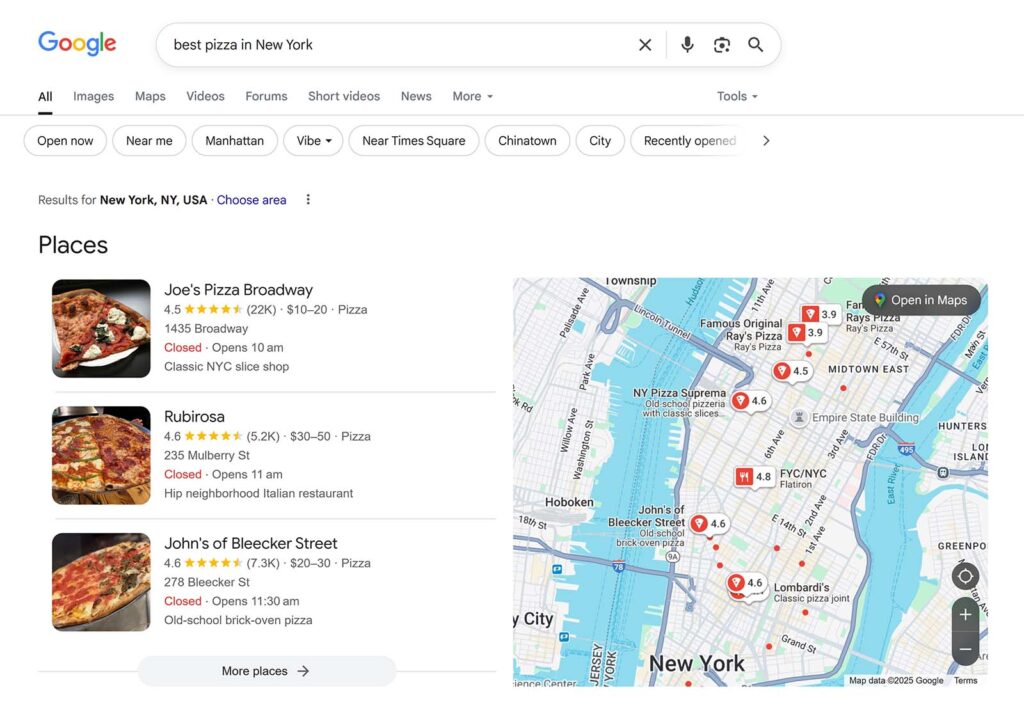
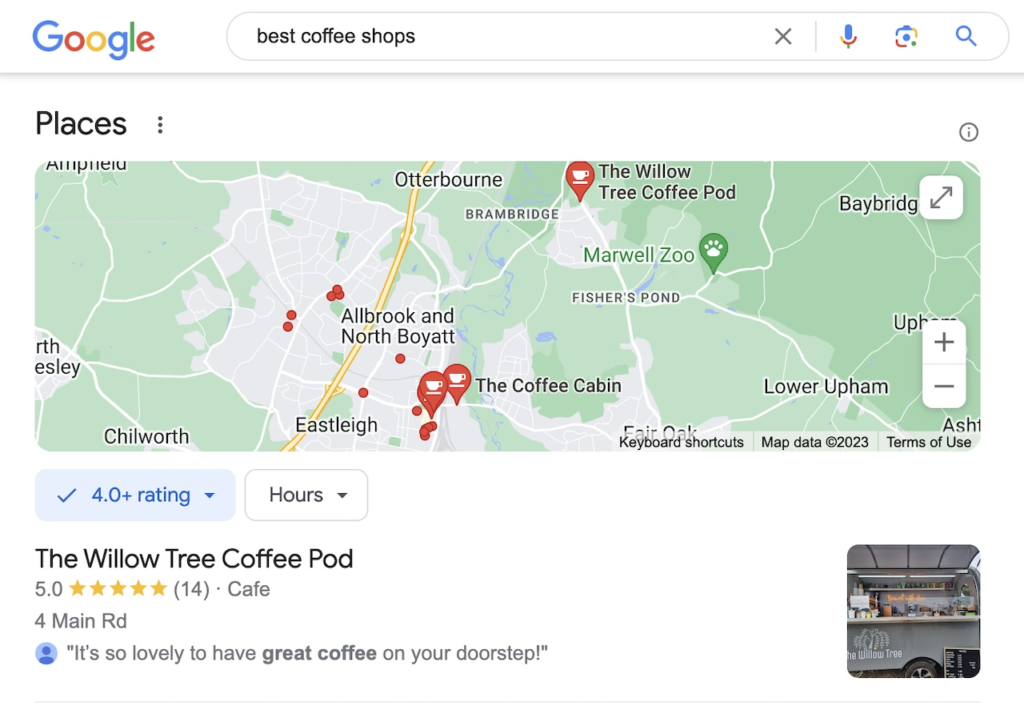
In today’s digital world, customers rely heavily on Google to find nearby businesses. Whether someone searches for “best restaurant near me” or “digital marketing agency in Delhi,” Google displays a list of local businesses on a map — commonly known as the Google Map Pack.
This is where Local SEO (Search Engine Optimization) becomes essential.
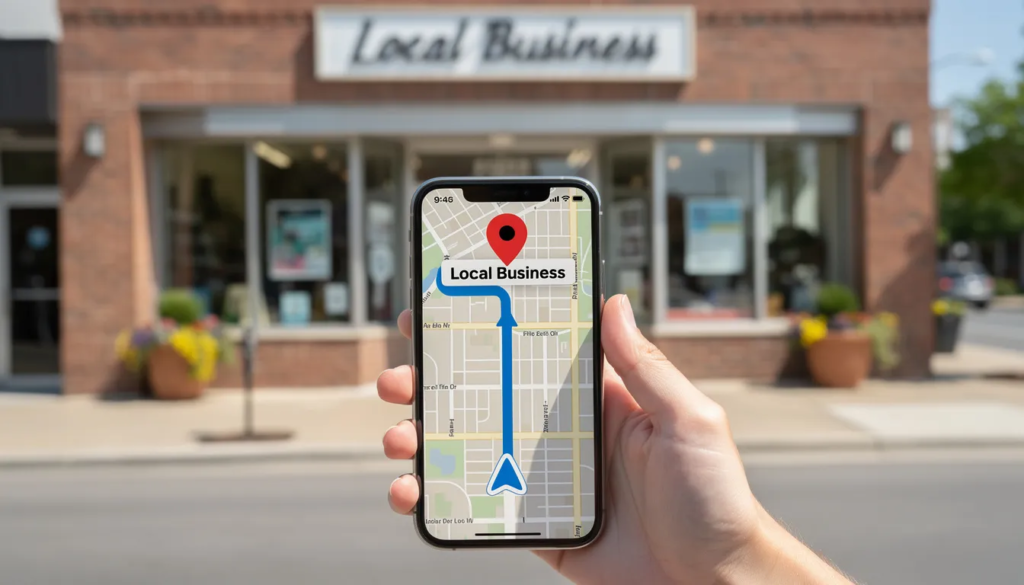
Local SEO helps your business appear in front of potential customers exactly when they are searching for services in your area. If done correctly, it can drive:
- High-quality local traffic
- More phone calls and inquiries
- Increased foot traffic to your store
- Higher conversion rates
Simply put, ranking on Google Maps can significantly grow your business faster than traditional marketing methods.
What is Local SEO?

Local SEO is not just another technical marketing term. It’s actually quite simple when you break it down.
In practical terms, Local SEO means optimizing your business so that it appears in location-based searches. These are searches where the user is clearly looking for something nearby.
For example:
- “best gym near me”
- “dentist in Mumbai”
- “web designer in Delhi”
In all these cases, Google understands that the user wants local results. So instead of showing random websites from anywhere in the world, it prioritizes businesses that are close and relevant.
What makes Local SEO powerful is that it connects you directly with people who already have intent. They’re not just browsing — they’re looking to take action.
Key Platforms for Local SEO:
- Google Search
- Google Maps
- Google Business Profile
How Google Actually Ranks Businesses on Maps


Google determines local rankings using three primary factors:
1. Relevance
Relevance refers to how well your business matches what the user is searching for.
To improve relevance:
- Use accurate business categories
- Include relevant keywords in your profile
- Add detailed descriptions of your services
2. Distance
Distance is based on how close your business is to the searcher’s location.
While you cannot control your physical location, you can:
- Target nearby areas in your content
- Use location-specific keywords
3. Prominence
Prominence refers to how well-known and trusted your business is online.
It depends on:
- Number of reviews
- Quality of reviews
- Backlinks
- Online mentions
The stronger your reputation, the higher your chances of ranking.
Step-by-Step Local SEO Strategy That Actually Works
1. Build a Strong Foundation with Google Business Profile
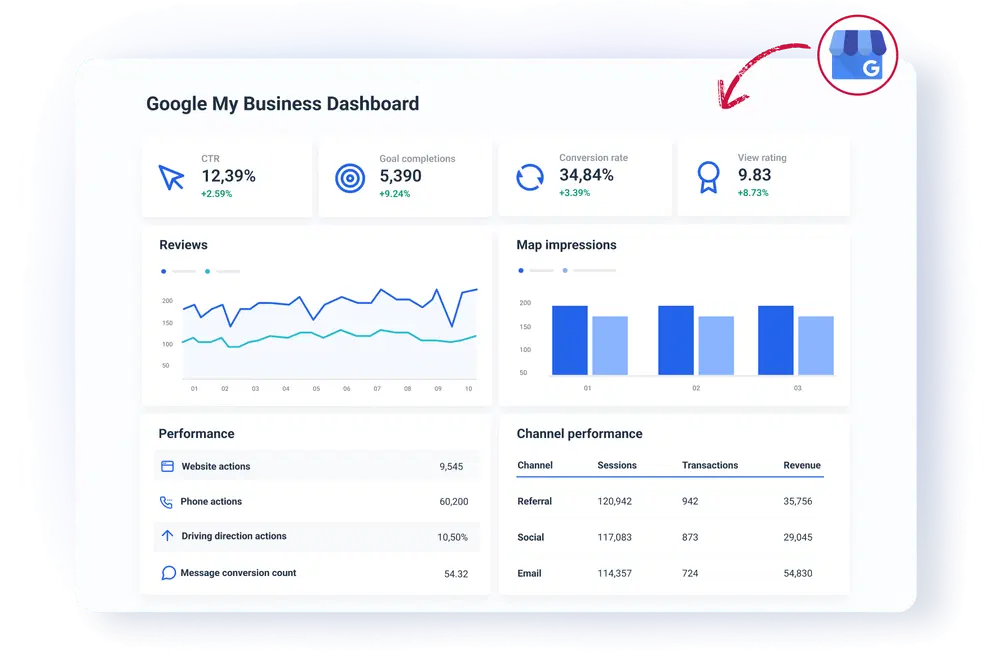
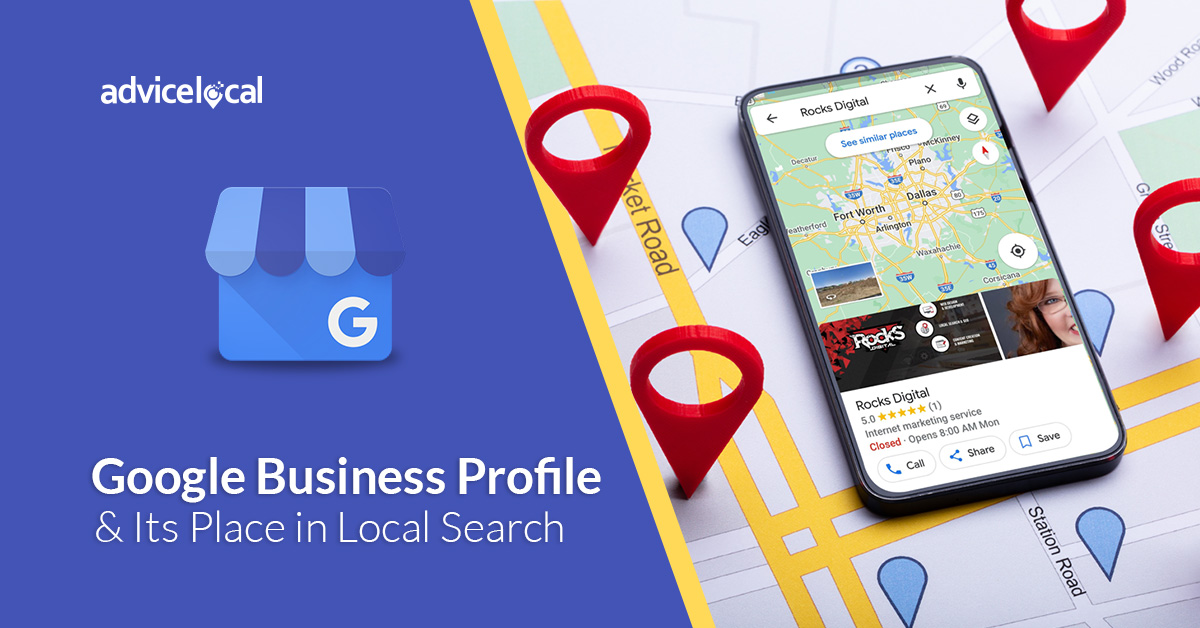
Your Google Business Profile is not just a listing — it’s your digital storefront.
A lot of businesses create a profile and leave it half-complete. That’s a mistake.
If you want to rank, you need to treat it seriously.
Start by ensuring that all your details are accurate and complete. Your business name should be exactly as it is in real life — avoid adding extra keywords just to rank. Your address and phone number must be correct and consistent.
Then comes optimization.
Add real images of your business, your work, or your team. Write a description that clearly explains what you do and who you serve. Choose the most relevant category — this is more important than most people think.
Also, keep your profile active. Post updates, offers, or small announcements. It shows Google that your business is active and trustworthy.
Focus on Reviews — But Do It the Right Way
2. Focus on Reviews — But Do It the Right Way

Reviews are one of the biggest ranking factors, but they’re also one of the most misunderstood.
It’s not just about having a lot of reviews. It’s about having genuine, consistent, and recent feedback.
Instead of asking everyone at once, make it a habit. Whenever you complete a service or make a sale, politely ask the customer to leave a review.
And here’s something many businesses ignore — replying to reviews.
When you respond to reviews, it shows both Google and potential customers that you care. Even a simple “Thank you for your feedback” makes a difference.
Negative reviews will happen — and that’s okay. Handle them professionally. A calm and helpful response often builds more trust than a perfect rating.
3. Keep Your Business Information Consistent Everywhere
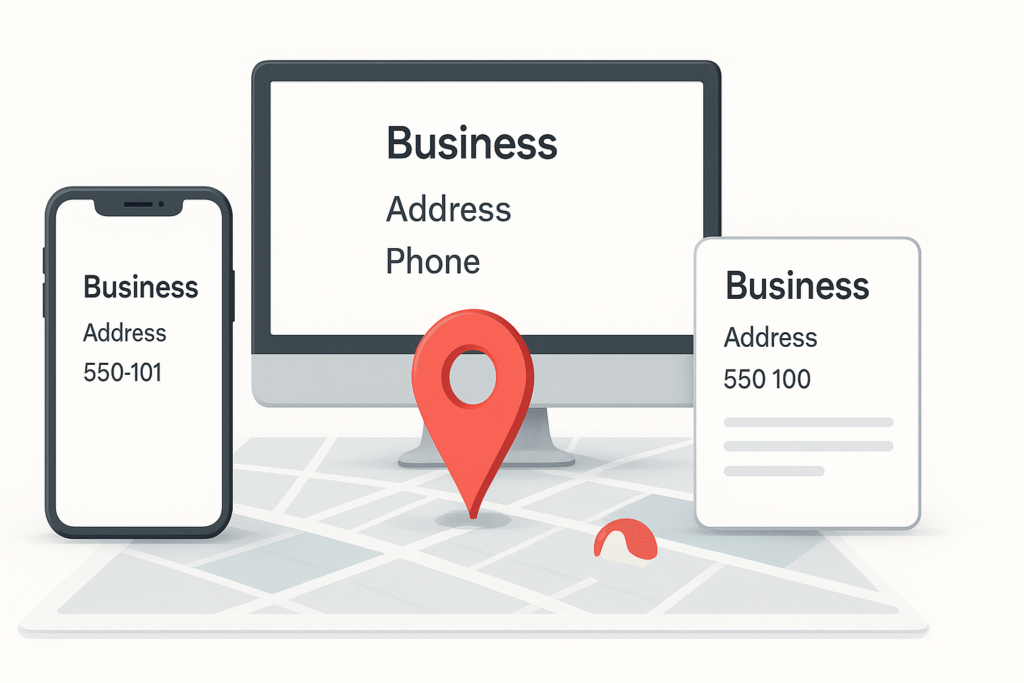
Consistency might sound boring, but in Local SEO, it’s critical.
Your business name, address, and phone number (NAP) should be exactly the same everywhere — your website, Google profile, and all other platforms.
Even small differences like:
- “Street” vs “St.”
- Different phone formats
…can create confusion.
Search engines rely on consistency to verify your business. If your details don’t match, your credibility drops.
4. Use Local Keywords in a Natural Way

Keywords are important, but the way you use them matters even more.
Instead of forcing keywords everywhere, focus on writing naturally.
For example:
Instead of saying
“best SEO services best SEO services best SEO services”
Say
“We provide SEO services for businesses in Delhi looking to grow online.”
See the difference? It feels natural and still tells Google exactly what you do.
Use keywords in:
- Headings
- Content
- Meta title and description
But always keep readability first
5. Build Local Authority Through Backlinks
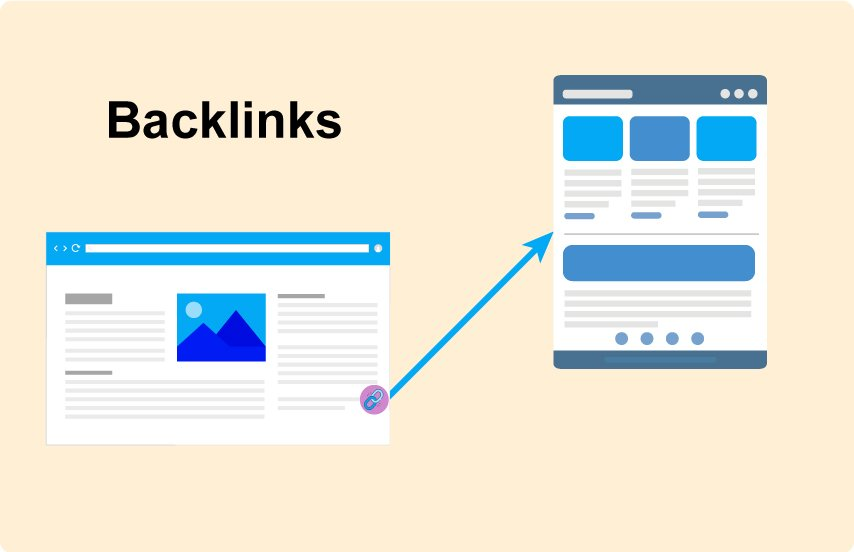
Backlinks are like votes of trust.
When other websites mention or link to your business, it signals to Google that your business is credible.
You don’t need hundreds of links. Start small:
- Submit your business to local directories
- Collaborate with nearby businesses
- Write guest posts on local blogs
Quality matters more than quantity.
6. Make Your Website Mobile-Friendly and Fast

Most local searches happen on mobile devices.
If your website takes too long to load or looks messy on a phone, users will leave — and Google notices that.
Focus on:
- Fast loading speed
- Clean layout
- Easy navigation
- Clickable phone numbers
A smooth experience can directly impact your rankings.
7. Create Content That Targets Your Local Audience
This is where most businesses have an advantage but don’t use it.
Creating content around your location helps Google understand your relevance.
Instead of writing generic articles, focus on your area.
For example:
- “How businesses in Delhi can improve their online presence”
- “Top marketing strategies for small businesses in Mumbai”
This builds both authority and local relevance.
Common Mistakes That Hold Businesses Back
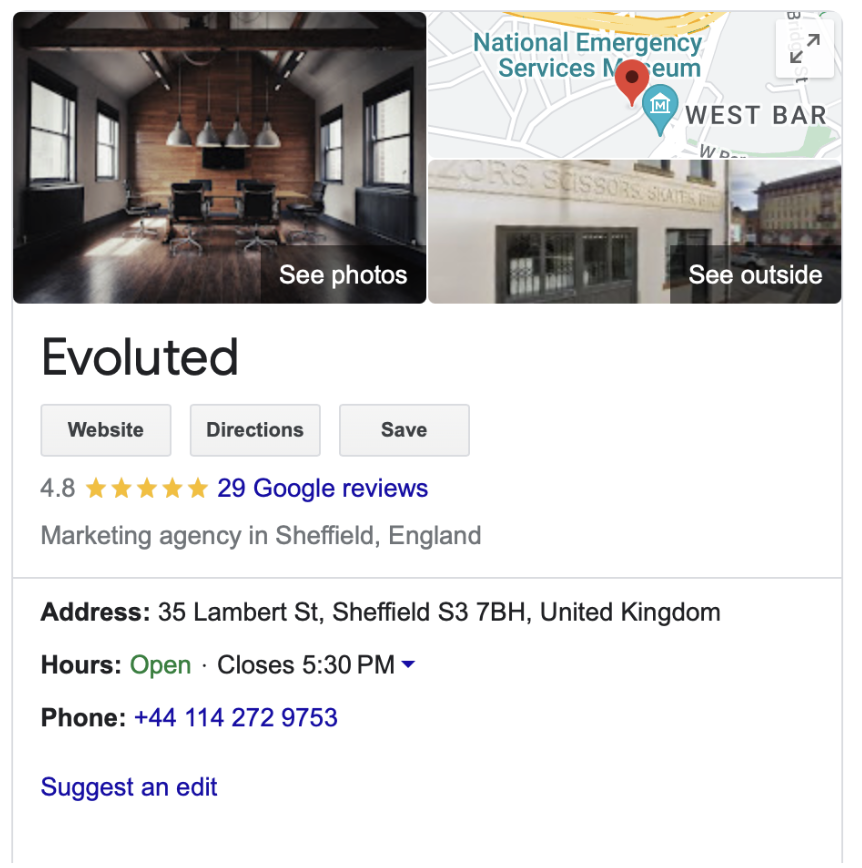
A lot of businesses don’t fail because of competition — they fail because of avoidable mistakes.
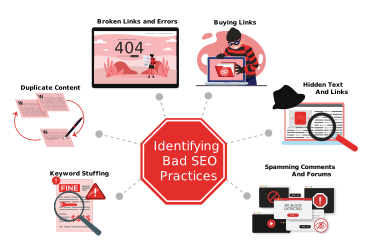
Some of the most common ones include:
- Leaving the profile incomplete
- Ignoring customer reviews
- Using inconsistent information
- Overusing keywords unnaturally
Fixing these alone can give you an edge.